Pick how your agent team works
One checkout, a worktree each, or a merge queue: Coral lets you choose how your agents share code, and change your mind later.
When several agents work on one project, the question is not only who does what but where they do it, and who is allowed to put the work into the main branch. In Coral that is a setting on the team: its working mode. You choose it in Team settings, and you can change it whenever the project changes.
A working mode is guidance. Coral attaches it to a task the first time an agent claims it, and tasks already claimed keep the instructions they started with. Choosing worktree guidance does not itself create worktrees: the agents do that, because the guidance tells them to.
The four built-in modes
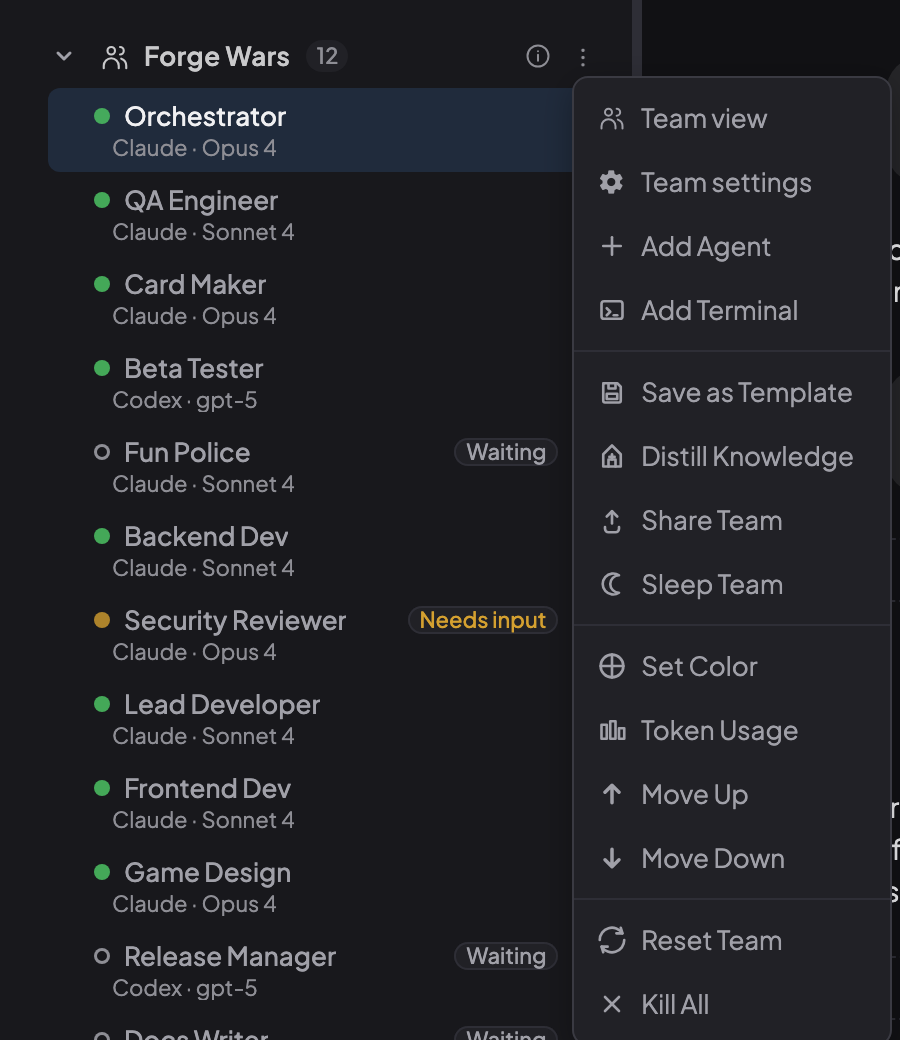
How to get there. Open the three-dot menu on your team and choose Team settings, then pick a Working mode on the Workflow tab and choose Save settings.
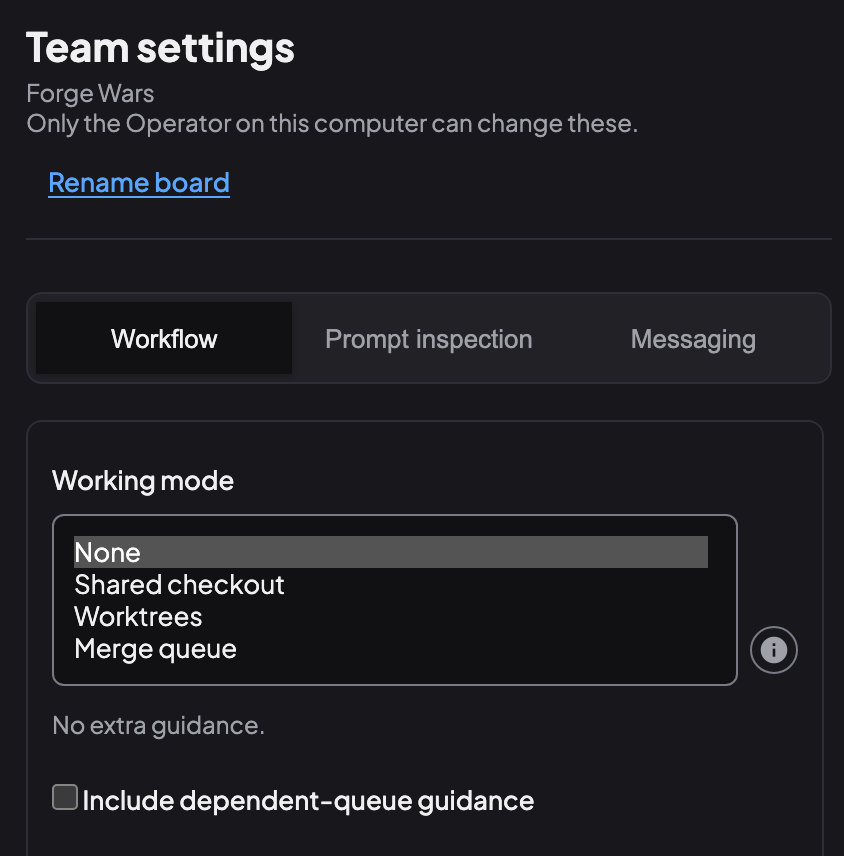
- None. Agents get no extra guidance on where or how to work.
- Shared checkout. Everyone works in one checkout. Agents coordinate who edits which files, preserve their teammates’ changes, and commit only their own task’s work.
- Worktrees. Each agent gets its own Git worktree and branch from the agreed base, leaves teammates’ checkouts alone, and publishes the exact commit it made.
- Merge queue. Agents work in worktrees and hand in a patch for review on their task. Reviewers approve that exact patch, and one role lands the approved patches.
When to pick which
- Shared checkout suits small tasks, fast loops, one repository and few agents. There is no handoff, so there is nothing to wait for.
- Worktrees suit parallel features. Agents can run at the same time without stepping on each other, and each piece of work stays on its own branch.
- Merge queue suits teams that want review on exact bytes and a single place where work lands, for example a DevOps agent that applies approved patches and runs your CI.
How the merge queue works
An agent attaches its patch to the task, together with a manifest that names the patch, its digest and the commit it applies to. Reviewers approve the exact digest, so a patch that changes after approval needs a new review. Agents never push to the target branch themselves.
One role does the landing: the orchestrator, or a role you name in the team’s instructions. That role reads coral-board queue, which lists the approved patches that have not landed, oldest first, and applies each one with Git. Recording a patch as landed (coral-board task mark-landed) or sending one back to its author with a note (coral-board task send-back, for a patch that does not apply) is done by the orchestrator or by you, the Operator. Coral itself never applies, merges or pushes a patch: landing is always a person or an agent using Git, and the queue only shows what is approved.
A pattern that works well is to name a DevOps agent as the landing role: it applies the approved patches and runs your CI, the orchestrator or you record each landing, and the other agents keep building and reviewing.
The queue works on the computer where Coral runs. Coral Hub does not carry it.
Make the rules your own
The built-in modes are starting points. You can edit a mode’s instructions or create a new mode of your own. Only you, the Operator, can change them; every agent can read them. A separate option, Include dependent-queue guidance, asks agents to split work into dependent tasks with named outputs.
Choose the trade-off, then revisit it
A shared checkout is the fastest to start. Worktrees give each agent room to work. A merge queue adds a review and a single landing point. As a project grows from one agent and one repository to several agents and real reviews, you can move up a step without changing anything else about how Coral runs your team.
See also: How Coral runs a team, The orchestrator pattern, Coral docs: teams and tasks.
Run your own agent team with Coral
Download Coral, open source. Runs directly on your machine.
Download Coral